
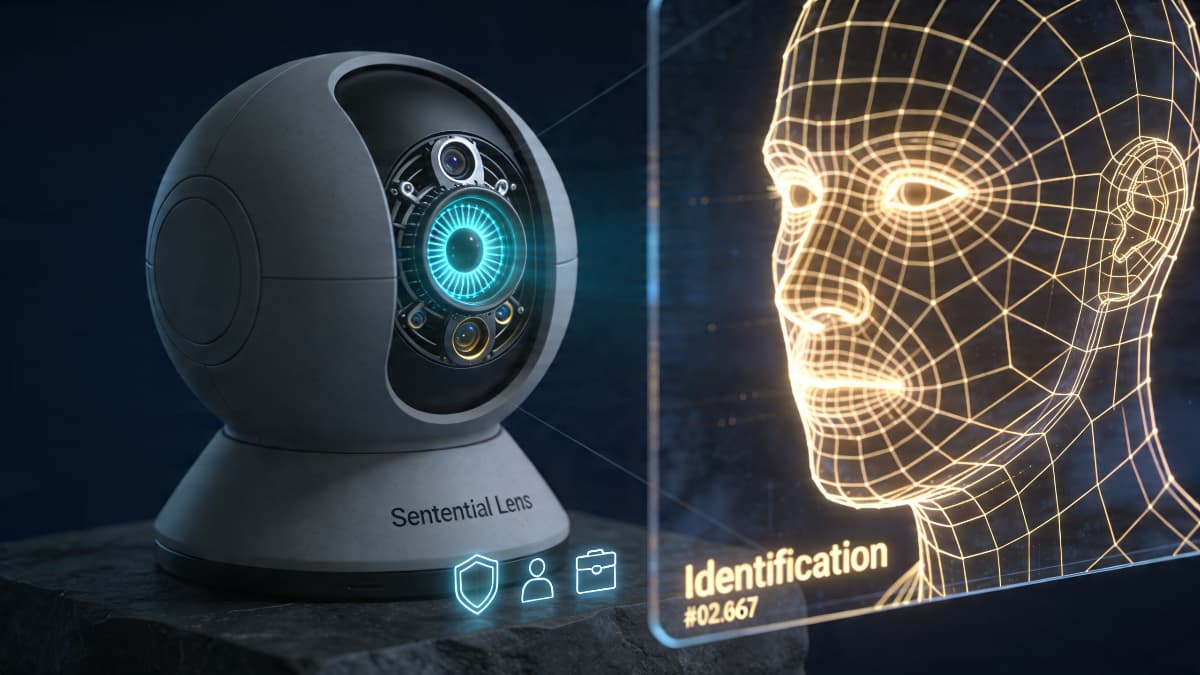
Choosing the right smart home AI camera can feel overwhelming. There's a huge range of options available, each promising advanced features and enhanced security. This article cuts through the noise. We'll compare the key features, privacy implications, and performance benchmarks of various AI camera systems, empowering you to make an informed decision for your home.
Whether you're looking to bolster your home security or simply add convenience with intelligent monitoring, understanding the nuances of these devices is crucial. Let's dive in!
Understanding Smart Home AI Cameras
Smart home AI cameras are security and monitoring devices equipped with artificial intelligence capabilities. These cameras go beyond simple video recording; they can analyze footage in real-time to identify objects, people, and events. This allows for features like:
- Object Recognition: Identifying specific objects (e.g., cars, packages, animals) to trigger alerts or automated actions.
- Facial Recognition: Recognizing familiar faces to grant access or customize settings. This relates to AI for Personalized Experiences.
- Activity Zones: Designating specific areas for monitoring and receiving alerts only when activity occurs within those zones.
- Smart Alerts: Filtering out irrelevant alerts (e.g., swaying trees, passing cars) to reduce false alarms.
- Integration with Smart Home Ecosystems: Connecting with other smart home devices for seamless automation and control. This ties into the broader trends of AI in Smart Homes.
These features significantly enhance the effectiveness of home security systems and provide greater peace of mind.
Key Features to Consider
When comparing smart home AI cameras, focus on these essential features:
- Video Quality: Look for cameras with high resolution (at least 1080p) and wide dynamic range (WDR) for clear images in varying lighting conditions. 4K resolution is even better, but consider bandwidth usage.
- Field of View (FOV): A wider FOV allows you to cover more area with a single camera. Consider your specific monitoring needs when choosing an FOV.
- Night Vision: Ensure the camera has reliable night vision capabilities, using either infrared (IR) or starlight sensors for clear footage in low-light environments. Starlight sensors generally provide color night vision.
- AI Capabilities: Evaluate the accuracy and effectiveness of the camera's AI features, such as object recognition, facial recognition, and smart alerts. Look for cameras that can differentiate between people, animals, and vehicles.
- Storage Options: Consider local storage (e.g., microSD card) versus cloud storage. Cloud storage often requires a subscription, but it provides offsite backup. Local storage is more private but has limited capacity. Some cameras offer both.
- Two-Way Audio: Two-way audio allows you to communicate with visitors or deter intruders remotely.
- Weather Resistance: If you plan to use the camera outdoors, ensure it has a weatherproof rating (e.g., IP65 or higher).
Privacy and Security Considerations
Privacy is a crucial concern when using smart home AI cameras. These devices collect video and audio data, which can be vulnerable to hacking or misuse. Consider these privacy and security measures:
- End-to-End Encryption: Ensure the camera uses end-to-end encryption to protect your data during transmission and storage.
- Two-Factor Authentication (2FA): Enable 2FA on your account to prevent unauthorized access.
- Privacy Mode: Look for cameras with a privacy mode that allows you to disable the camera and microphone when you don't need them.
- Data Retention Policies: Understand the company's data retention policies and how long they store your video and audio data.
- Regular Security Updates: Choose cameras from manufacturers that provide regular security updates to address vulnerabilities.
- Local Processing: Consider cameras that process AI data locally, rather than sending it to the cloud, to enhance privacy. This is related to AI-Powered Smart Home Security.
Performance and Reliability
The performance and reliability of a smart home AI camera depend on several factors:
- Processing Power: Cameras with more powerful processors can handle AI tasks more efficiently and provide smoother video streaming.
- Wi-Fi Connectivity: A stable and reliable Wi-Fi connection is essential for seamless operation. Consider using a Wi-Fi mesh network to improve coverage.
- Mobile App: A user-friendly mobile app is crucial for managing and controlling the camera remotely.
- Customer Support: Choose cameras from manufacturers with responsive and helpful customer support.
- Power Source: Consider if the camera requires to be plugged into an outlet or if it is battery powered. Battery powered cameras are easier to install and can be placed almost anywhere, but you will need to charge or replace the batteries periodically.
Smart Home AI Camera Comparison: A Quick Chart
| Feature | Camera A | Camera B | Camera C |
|---|---|---|---|
| Video Quality | 1080p | 4K | 1080p |
| Field of View | 130° | 160° | 110° |
| Night Vision | IR | Starlight | IR |
| AI Capabilities | Basic | Advanced | Moderate |
| Storage Options | Cloud | Local | Both |
| Privacy Features | Limited | Excellent | Good |
| Price | Low | High | Medium |
Note: This is a generic comparison table. Actual features and performance may vary.
Step-by-Step Implementation Guide: Setting Up Your AI Camera
Here's a checklist to implement your new AI camera effectively:
- Unbox and Inspect: Carefully unpack the camera and all included accessories. Check for any damage during shipping.
- Download the App: Download the manufacturer's mobile app from the App Store or Google Play.
- Create an Account: Create an account within the app. You might want to use a password manager for secure password generation and storage.
- Connect to Wi-Fi: Follow the app's instructions to connect the camera to your Wi-Fi network. Ensure you have a strong and stable connection.
- Mount the Camera: Choose a suitable location for the camera. Follow the included mounting instructions. Consider factors like field of view, lighting, and weather resistance.
- Configure Settings: Customize the camera's settings, such as video resolution, motion detection sensitivity, and notification preferences.
- Set Up Activity Zones: Define specific areas for monitoring and receiving alerts. This reduces false alarms and focuses on relevant activity.
- Enable Privacy Features: Configure privacy settings, such as enabling encryption and setting up a privacy schedule.
- Test the Camera: Test the camera's features, such as video quality, night vision, and AI capabilities. Walk around the set area to see that your alerts work as expected.
- Regularly Update Firmware: Keep the camera's firmware updated to ensure optimal performance and security.
By following these steps, you can effectively set up and use your smart home AI camera to enhance your home security and automation. Consider how this integrates into your Smart Home Energy Management strategy to maximize your return on investment.
Actionable Asset: Use the checklist above as a mini playbook to set up your AI camera. Tweak it to fit your setup.