
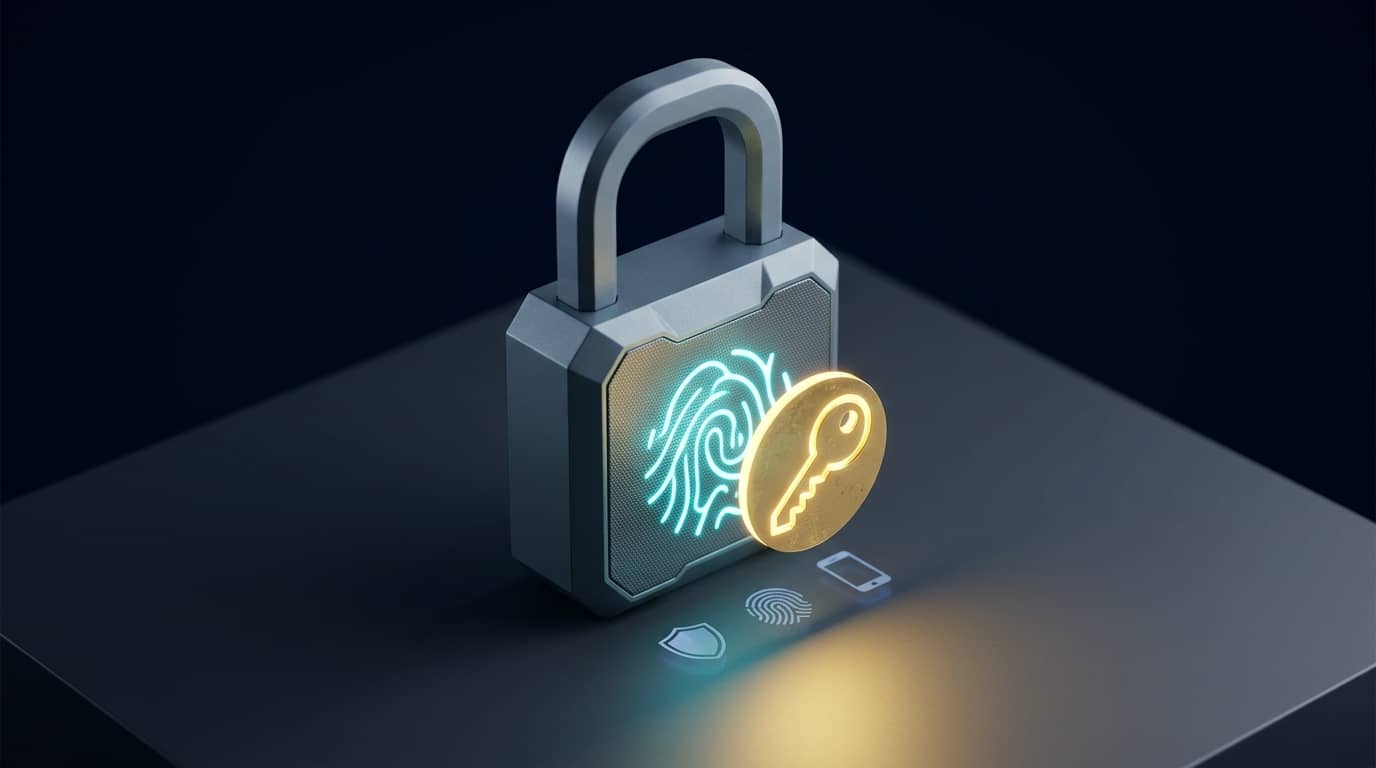
Smart locks have evolved from simple digital keypads into sophisticated hubs of home intelligence. By integrating artificial intelligence, these devices move beyond mere convenience to become proactive defenders of your personal space. When you consider the broader landscape of AI-Powered Smart Home Security: Enhancing Your Home Safety, these locks serve as the final gatekeeper in your automated ecosystem.
Understanding AI in Access Control
Unlike standard smart locks that rely on static codes or Bluetooth proximity, AI-enabled locks use machine learning to recognize patterns. This allows them to distinguish between your typical morning departure and an unexpected visitor at midnight. By learning your daily habits, these locks can notify you of anomalies rather than just sending a generic alert every time the door opens.
This intelligent approach reduces 'notification fatigue.' Instead of buzzing your phone every time a family member enters, the system adapts to your schedule, creating a seamless experience that feels less like a security measure and more like a helpful assistant. It is a key step toward the Future of Smart Homes and Automation Trends.
Why AI-Enabled Locks Matter
Security is the primary driver, but convenience is the primary benefit. AI locks can integrate with other smart devices to create "scenes." For example, as you unlock the door, your lights can dim to your preferred evening setting, and your smart thermostat can adjust the temperature. To see how these tools work in practice, check out Smart Homes, Smarter You: AI for Personalized Experiences.
- Enhanced biometric recognition (facial/voice)
- Predictive locking based on your departure habits
- Temporary access management for guests or service providers
- Audit logs that use AI to flag suspicious patterns
Choosing the Right Hardware
When shopping for an AI-integrated lock, look for devices that offer local processing of biometric data to prioritize privacy. Ensure the lock supports standard protocols like Matter or Thread to keep your system future-proof. If you encounter setup hurdles, refer to our guide on Troubleshooting Common Smart Home AI Integration Issues to ensure your device stays connected.
Step-by-Step Implementation Guide
- Assess your door's physical compatibility: Measure your current deadbolt and ensure the new hardware will fit your door's thickness and hole spacing.
- Install the lock and secure the bridge: Follow the manufacturer's installation manual, then plug the Wi-Fi/Thread bridge into an outlet near the door to ensure a stable connection.
- Configure user biometrics: Use the official app to store unique profiles for your household, which allows the AI to differentiate between family members.
- Set up "Intelligent Automations": Within the lock's app or your central smart home controller, define actions that should trigger when specific users unlock the door.
- Run an anomaly test: Leave home at an unusual time or simulate a "guest entry" to see if the notification settings align with your preferences.
- Review the access log weekly: Spend five minutes every Sunday looking at the app’s AI-generated activity report to ensure everything is operating within your security parameters.
Essential Security Checklist for New Users
- Enable Multi-Factor Authentication (MFA) on your home management account.
- Update your lock firmware as soon as updates are available.
- Assign temporary "Guest Keys" that expire after 24 hours for non-recurring visitors.
- Disable auto-unlock features if your device is located very close to the street for added safety.
- Pair your lock with a smart camera to visually verify visitors before providing remote access.