
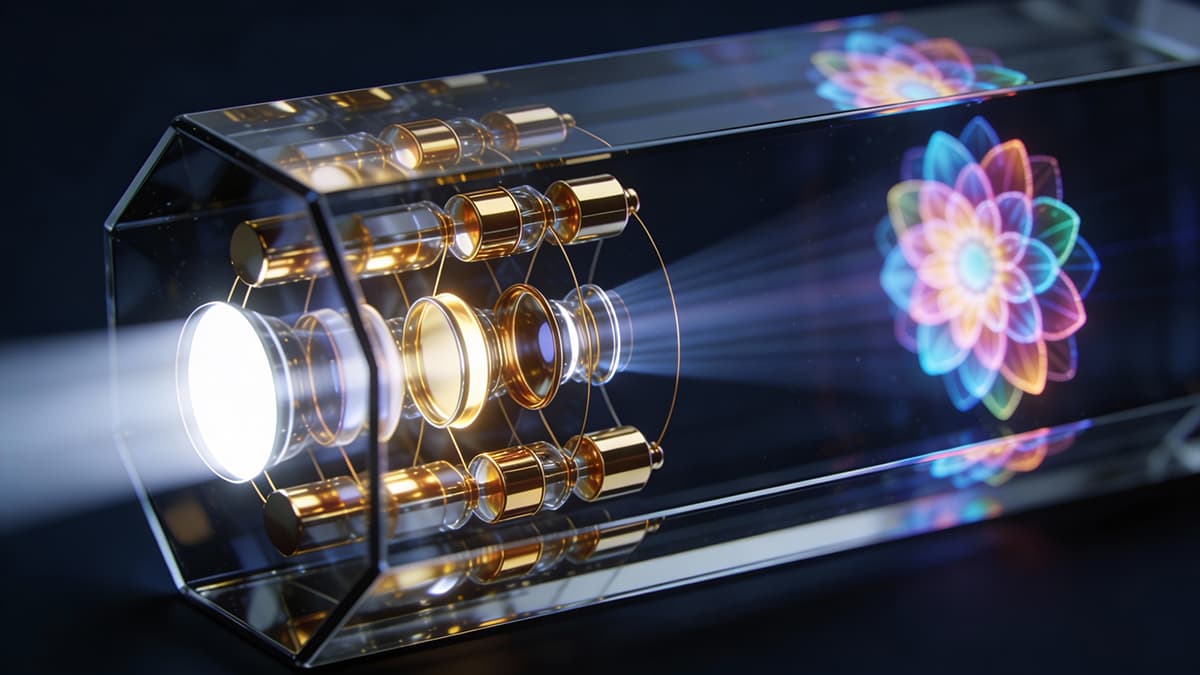
AI image generation has revolutionized creative workflows, enabling anyone to conjure breathtaking visuals from simple text descriptions. But the secret to truly stunning AI art lies in the art of prompt engineering. Learning how to craft effective prompts is key to unlocking the full potential of these powerful tools. Whether you're a designer, marketer, or simply curious, this guide will equip you with the knowledge and skills to create amazing images with AI.
This guide will walk you through the fundamentals of prompt engineering for image generation, providing practical techniques and examples to help you master this exciting new field. We'll explore the key elements of a good prompt, common pitfalls to avoid, and advanced strategies for achieving specific artistic styles and effects. Ready to get started?
Understanding Prompt Engineering for Image Generation
Prompt engineering is the process of crafting text prompts that instruct AI image generators to produce specific visuals. It's not just about typing a few keywords; it's about understanding how the AI interprets language and using that knowledge to guide it toward the desired outcome. Think of it as communicating your artistic vision to a digital collaborator. The better you communicate, the better the results. You can find a similar approach for text generation and AI Prompts for Writing: Your Complete Guide to Better Content.
Why is prompt engineering so important? Because the quality of the generated image is directly proportional to the quality of the prompt. A vague or poorly worded prompt will likely result in a generic or unsatisfactory image. On the other hand, a well-crafted prompt can produce stunning, unique visuals that perfectly match your vision.
Core Elements of an Effective Image Generation Prompt
A powerful image generation prompt typically includes several key elements:
- Subject: What is the main focus of the image? Be specific (e.g., "a majestic lion" instead of "an animal").
- Action: What is the subject doing? (e.g., "roaring at the sunset").
- Setting: Where and when does the action take place? (e.g., "in the African savanna at golden hour").
- Style: What artistic style should the image emulate? (e.g., "photorealistic," "impressionist," "cyberpunk").
- Lighting: What kind of lighting should be used? (e.g., "soft, diffused light," "dramatic shadows").
- Color Palette: What colors should dominate the image? (e.g., "warm, earthy tones," "cool, vibrant hues").
- Camera Angle: Specify the perspective (e.g., "close-up," "wide shot," "aerial view").
- Keywords: Add descriptive keywords to further refine the image. (e.g., "detailed fur," "intense eyes," "dynamic pose").
By thoughtfully considering each of these elements, you can create prompts that are precise, evocative, and highly effective.
Practical Prompt Engineering Techniques
Here are some proven techniques for crafting better image generation prompts:
- Be Specific: Avoid vague language. The more specific you are, the better the AI can understand your vision. Instead of "a nice landscape," try "a serene mountain lake surrounded by pine trees under a clear blue sky."
- Use Descriptive Adjectives: Adjectives add detail and nuance to your prompts. Use them liberally to convey the specific qualities you want to see in the image. (e.g., "a vibrant, colorful parrot perched on a lush, green branch").
- Specify the Style: If you want a particular artistic style, be sure to include it in your prompt. Common styles include photorealistic, painting, illustration, 3D render, and various art movements (e.g., Impressionism, Surrealism, Art Deco). If you are creating a UX/UI Design for AI Tools: Boost Productivity Through User Experience this is very important to create a consistent aesthetic.
- Iterate and Refine: Don't be afraid to experiment and refine your prompts. The first image you generate may not be perfect, but it can provide valuable feedback. Adjust your prompt based on the results and try again. Think of it as a conversation with the AI.
- Use Negative Prompts: Most AI image generators allow you to use negative prompts to specify what you don't want to see in the image. This can be helpful for removing unwanted elements or correcting errors. For example, you could use a negative prompt to remove blurriness or distortion.
Common Prompt Engineering Mistakes to Avoid
- Vague Language: As mentioned earlier, vagueness is the enemy of good prompts. Be as specific as possible in your descriptions.
- Overly Complex Prompts: While detail is important, avoid creating prompts that are too long or convoluted. The AI may struggle to interpret complex sentences. Break down your prompt into smaller, more manageable parts.
- Ignoring Negative Prompts: Don't underestimate the power of negative prompts. They can be incredibly useful for fine-tuning your results.
- Not Experimenting: The best way to learn prompt engineering is to experiment and see what works. Don't be afraid to try different techniques and see how they affect the generated images. Consider if you need AI for Creativity: Generate Project Ideas & Overcome Writer's Block.
Examples of Effective Image Generation Prompts
Here are a few examples of effective image generation prompts, categorized by experience level:
Beginner:
- "A cute puppy playing in a park, cartoon style."
- "A red sports car driving down a highway, photorealistic."
Intermediate:
- "A futuristic cityscape at night, cyberpunk style, neon lights, flying cars."
- "A portrait of a wise old wizard with a long beard, fantasy art, detailed clothing."
Advanced:
- "A surreal dreamscape with floating islands and strange creatures, inspired by Salvador Dali, dramatic lighting."
- "A photorealistic close-up of a dewdrop on a spiderweb, macro photography, shallow depth of field, morning light."
Step-by-Step Implementation Guide: Creating Your First Stunning Image
Ready to put your newfound knowledge into practice? Here's a step-by-step guide to creating your first stunning image with AI:
- Choose Your AI Image Generator: Select an AI image generator that suits your needs and budget. Many free and paid options are available. Some are easier to use for beginners while others offer more advanced controls for professionals. You might want to look for an AI Tools for Non-Techies: A Simple Beginner's Guide before selecting your ideal AI image generator. The AI that generates code through Prompt Engineering for Coders: AI Code Generation Mastery has similar principles when you are creating images.
- Define Your Vision: Before you start typing, take some time to visualize the image you want to create. What is the subject? What is the setting? What style do you want to achieve?
- Craft Your Prompt: Use the techniques discussed earlier to craft a detailed and specific prompt. Include all the key elements: subject, action, setting, style, lighting, color palette, camera angle, and keywords.
- Generate the Image: Enter your prompt into the AI image generator and click the "generate" button. Wait for the AI to process your request and produce the image.
- Evaluate the Results: Examine the generated image carefully. Does it match your vision? Are there any errors or unwanted elements?
- Refine Your Prompt: Based on your evaluation, adjust your prompt and generate the image again. Repeat this process until you are satisfied with the results.
- Save and Share: Once you've created a stunning image, save it to your computer and share it with the world! Be sure to credit the AI image generator you used.
By following these steps, you can harness the power of AI to create amazing visuals that were once impossible to imagine. Remember to keep experimenting, learning, and refining your prompt engineering skills to unlock even greater creative possibilities.
Actionable Asset: Prompt Engineering Template
Here's a simple template you can use to structure your image generation prompts:
[Subject] [Action] in [Setting], [Style], [Lighting], [Color Palette], [Camera Angle], [Keywords]
Example:
A majestic eagle soaring through the mountains, photorealistic, golden hour, warm colors, wide shot, detailed feathers, intense gaze
Copy and paste this template, then customize it with your own details to create compelling prompts. Happy creating!